December 2025 Changelog: Task Tracking, Review Exports, and Powerful New Tools
We’re excited to share our December 2025 changelog, highlighting the new features and enhancements we’ve rolled out over the past couple of months. These updates are shaped by your feedback and focused on making your daily workflow smoother, faster, and more connected across the tools you already use. 🚀
Track and Manage Linked Tasks Directly Inside Sparrow Intel ✅
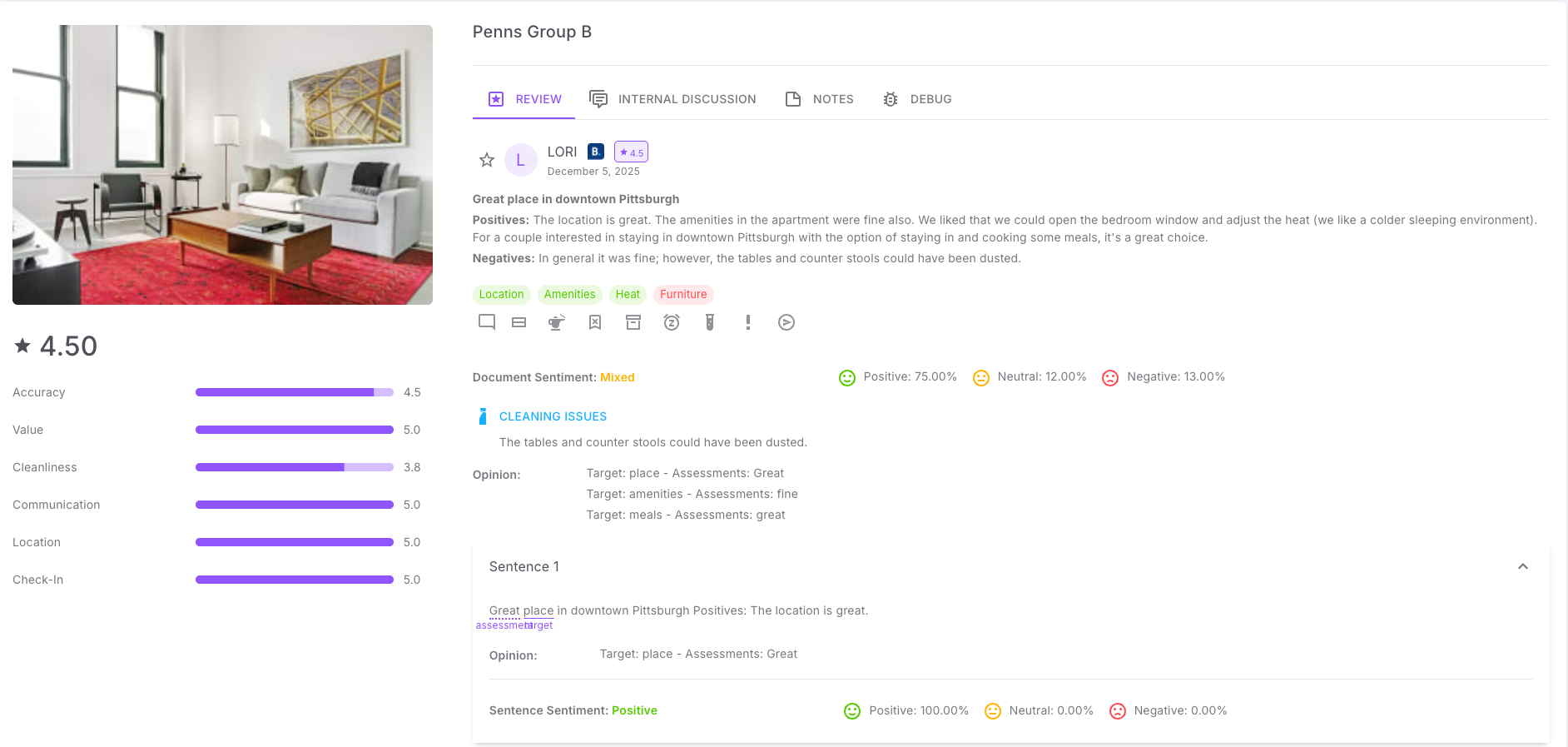
A highly requested upgrade is now live. You can now see and follow every task that Sparrow Intel creates in your connected platforms.
Whether a task is created manually or triggered automatically by your rules, it now shows directly on the related review or insight. You can open it wherever you manage tasks (Breezeway or your PMS) with a single click and track it through to completion.
What this enables
Create tasks as usual using the Create Task button on any review or insight.
Automatically generate tasks through rules when Sparrow Intel detects issues like maintenance or cleanliness concerns.
See all created tasks inside Sparrow Intel alongside the original review or prediction.
Open tasks in the external platform with one click.
Track issues to completion without losing visibility.
This improvement closes the loop between Sparrow Intel and your operational tools, giving you end-to-end clarity without changing your workflow.
Export Reviews to Spreadsheet 👨🏫
You can now download your filtered review inbox into a spreadsheet for deeper analysis, importing into BI tools, or sharing with your team.
Highlights
Export respects all filters in your review inbox
Download includes full review data
Public API remains available for advanced integrations
Read our full help guide here.
Issues by Property in Multi-Property Reports 🏘️
Multi-property reporting just became more actionable. Reports that cover several properties now break down issues by property, making it easier to see which homes need attention.
Properties and Property Groups Public API Endpoints 🖥️
New endpoints are now live to help you sync or manage properties programmatically.
API docs: https://develop.sparrowintel.com/
New Rule Condition: Review Has Text 💬
You can now set different rule behavior based on whether a guest included written comments.
Example: Auto-reply only when a guest provides text.
This allows more nuanced automation and better control over your review workflows.
Properties/Property Groups Page Enhancements 🏠
A new toggle on the Properties and Property Groups screens allows you to show all properties, even if they have no reviews in the selected timeframe.
How to use: Click the three dots next to the date range and select “Show All.”
You can now filter property-level summaries by OTA. This gives you more insight into which channels are generating specific types of reviews or trends.
Custom Review Reply Guidelines 🤖
You now have full control over the voice and tone of Chirp AI.
What you can do
Select from preset tone options
Create your own custom guidelines
Influence how Chirp AI writes replies moving forward
Custom guidelines can significantly change reply behavior, so we encourage testing.
More details at our help center guide here.
Superuser Support for Multi-Client Access 🦸♂️
If you manage multiple accounts, you can now access all your clients from a single login. This is ideal for revenue managers, agencies, and co-hosts.
Reach out if you would like this enabled for your team.
If you’d like help setting up any of these features or want to see them in action, we are always here to help!