Getting Started
Written By Chad McGuire (Sparrow Intel)
Welsome to Sparrow Intel! We are so excited to have you onboard! 👋
Have you scheduled a demo with us yet? If not, click here!
If you have already had a demo with us, follow the steps below with the code provided during your demo. ⬇️
Quick and Easy Setup Steps
Open a web browser and click here.
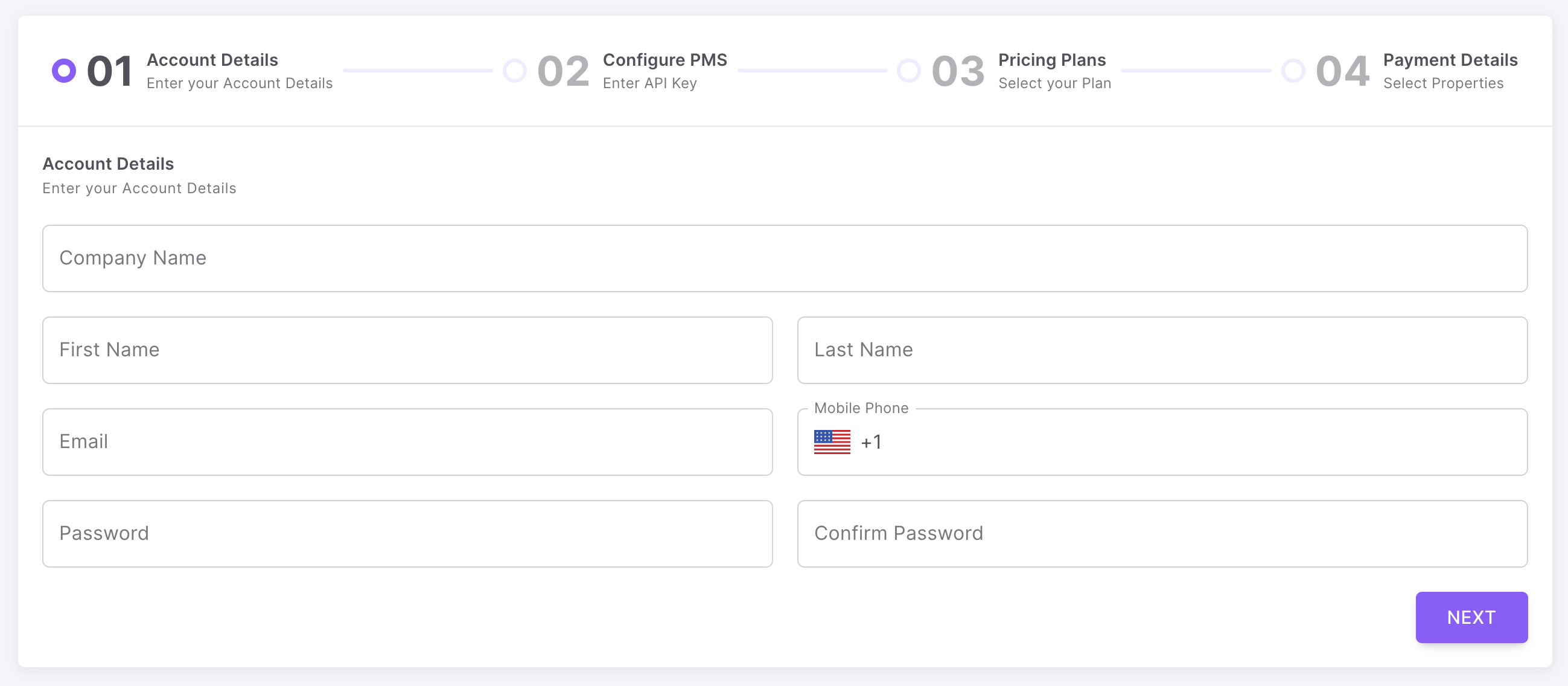
Enter your account details and click "Next" to continue.
Select your PMS (or connect to Airbnb directly if you don’t have a PMS or we don’t currently support your PMS) using the dropdown on screen.
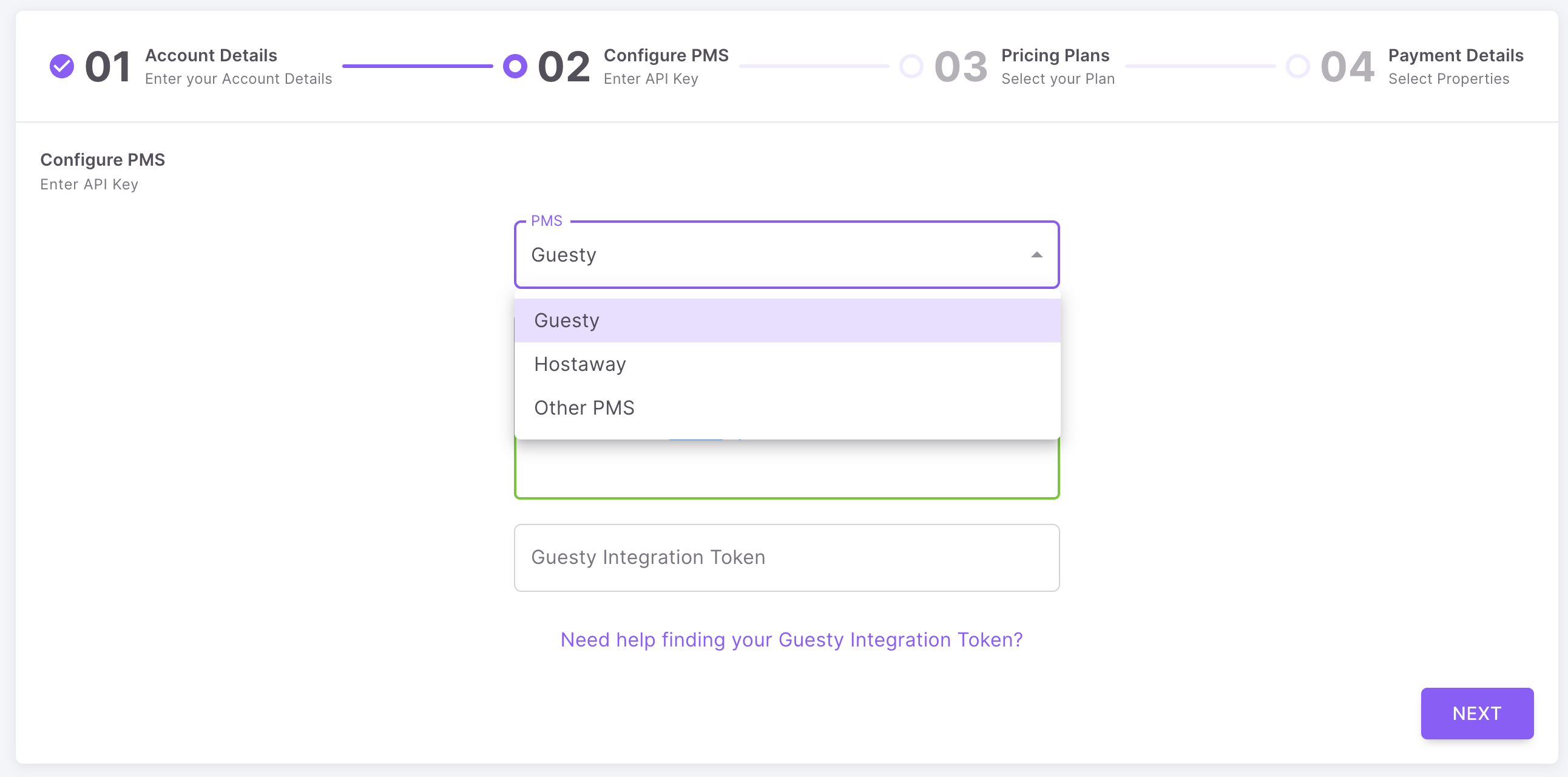
Then enter your API keys. Please follow the instructions below for your PMS to get your API keys:
Enter your Customer Code from your demo with us (or schedule a demo with us!).
If you would like to select which properties to use with Sparrow Intel, click the "Want to change which properties are included?" button.
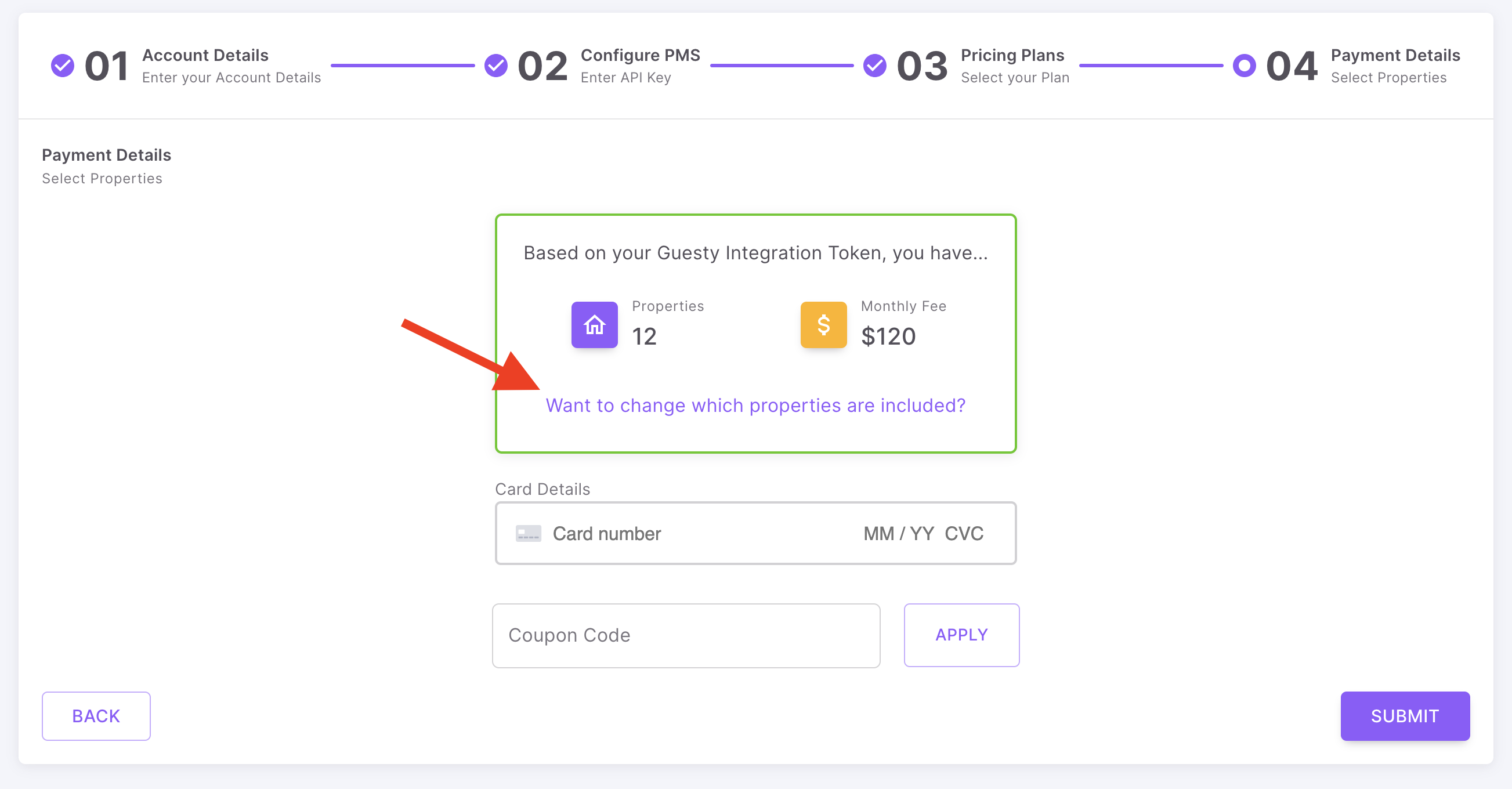
When you are finished, click the "Select" button.
Then, enter your credit card information (and any applicable coupon codes). When you are finished, click the "Submit" button.
You're all finished! 👏 Welcome to Sparrow Intel! At this point, we are syncing your data. Check back soon, and we will automatically let you into your account once we have finished.
Please note ChirpAI may still be running, so it can take a little longer before your data is fully processed.
We are so happy to have you! Please don't hesitate to reach our to our support team (via the chat icon below) if you have any questions! 🙂
Was this helpful?
Still need help? Ask the team